AI tattoo try-on
See the tattoo on your skin before it’s permanent
A tattoo looks different on a screen than it does on your body. The Try On Skin tool takes any design — one you generated here or one you upload — and applies it to a photo of your own arm, leg, back or chest with realistic ink saturation, skin texture and lighting, so the first time you see it on you isn’t after the needle.
- Original designs — no recycled flash sheets
- Preview any design on your own skin first
- Any style you can describe — Irezumi to fine line
- Edit, upscale for your artist and animate afterwards
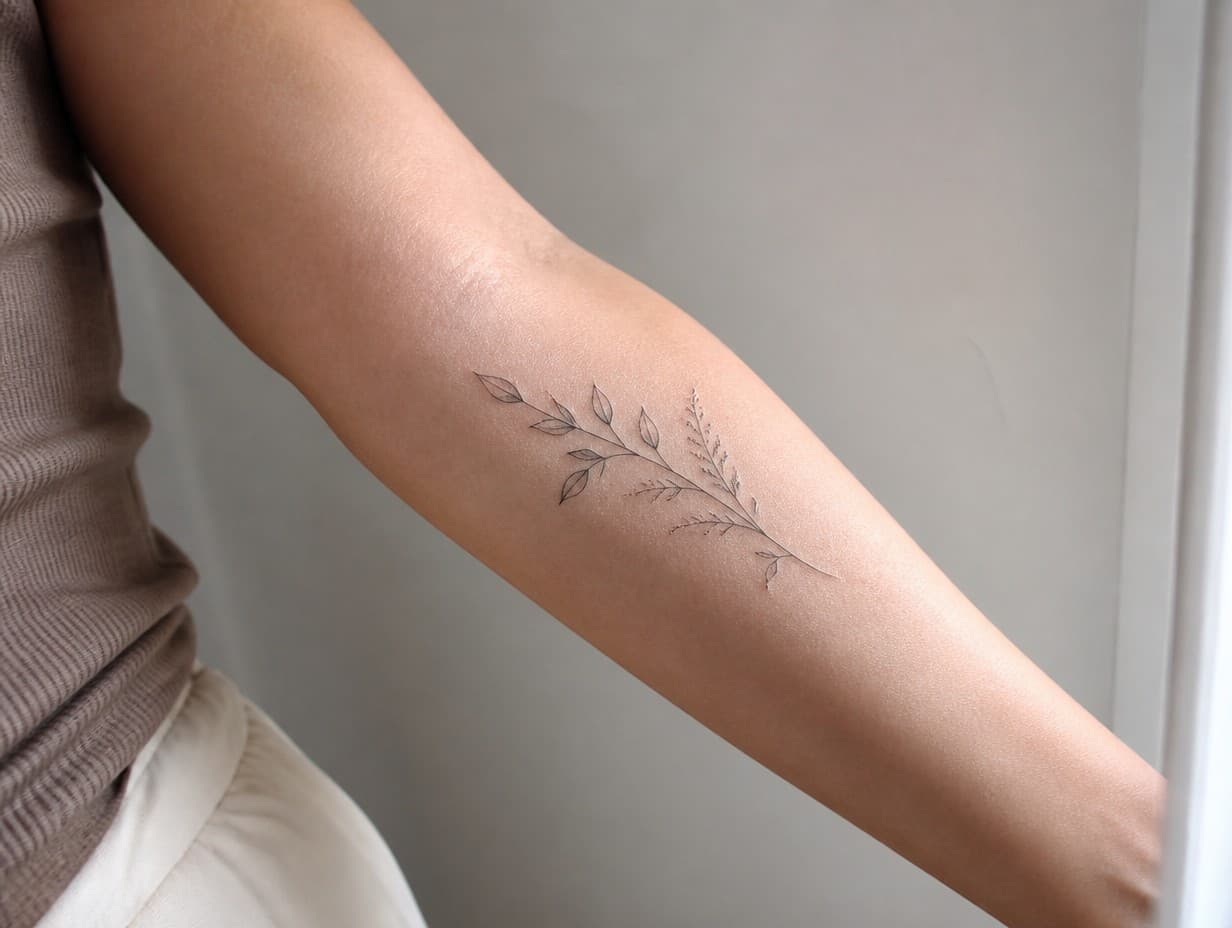
Generated with Tattoo Generator — “Fine-line botanical tattoo placed along the outer forearm, realistic ink in natu…”
Prompt ideas to start from
Fresh from the community

Sibling tattoos

Tattoo machine

Tattoo machine

Biblical tattoo

Couples tattoos

cross tattoo

Siren tattoo

Photo tattoo

Sleeve tattoo

Grandkids tattoo

Mustang tattoo

Traditional tattoos

Grandkids tattoo

Tattoo dynasty

Manly tattoos

memorial tattoo

Heartbeat tattoo

Forever tattoo

Heartbeat tattoo

Tattoo machine

Pony tattoo

Elbow tattoos

Guam tattoo

Sharks tattoo

Medusa tattoo

Name tattoos

Crawfish tattoo

Thigh tattoo

Shoulder tattoo

WWE tattoo with the name Dionte Davis added to it for a memorial tattoo

WWE tattoo with the name Dionte Davis added to it for a memorial tattoo

WWE tattoo with the name Dionte Davis added to it for a memorial tattoo

a man's hand with a tattoo on it

Hand tattoos designed

kawaiii guitar tattoo

Husband and wife tattoo

Annunaki chest tattoo

Skulls and tattoo machine

Wolf with tattoo machine

Wolf with tattoo machine

Wolf with tattoo machine

Wolf and tattoo machine
Frequently asked questions
How does the AI tattoo try-on work?
Pick or upload a tattoo design, then upload a well-lit photo of the body part where you want it. The AI merges the two — following your skin tone, muscle contours and the light in your photo — so the result looks like a real, healed tattoo rather than a pasted sticker.
Is the tattoo try-on free?
Try-on runs on credits: a Standard-quality skin preview costs 6 credits, and plans start at $15/month for 1,000 credits. The 2 free credits new accounts receive cover your first Draft design generation, so you can create a design free and then preview it on skin with a plan or credit pack.
Do I need a photo of myself?
It helps, but it’s optional — if you don’t upload a photo, the tool places the design on an AI model instead, which is still useful for judging size, flow and placement.